The Decentralized Office—Why Data Centers are the New "Threat"
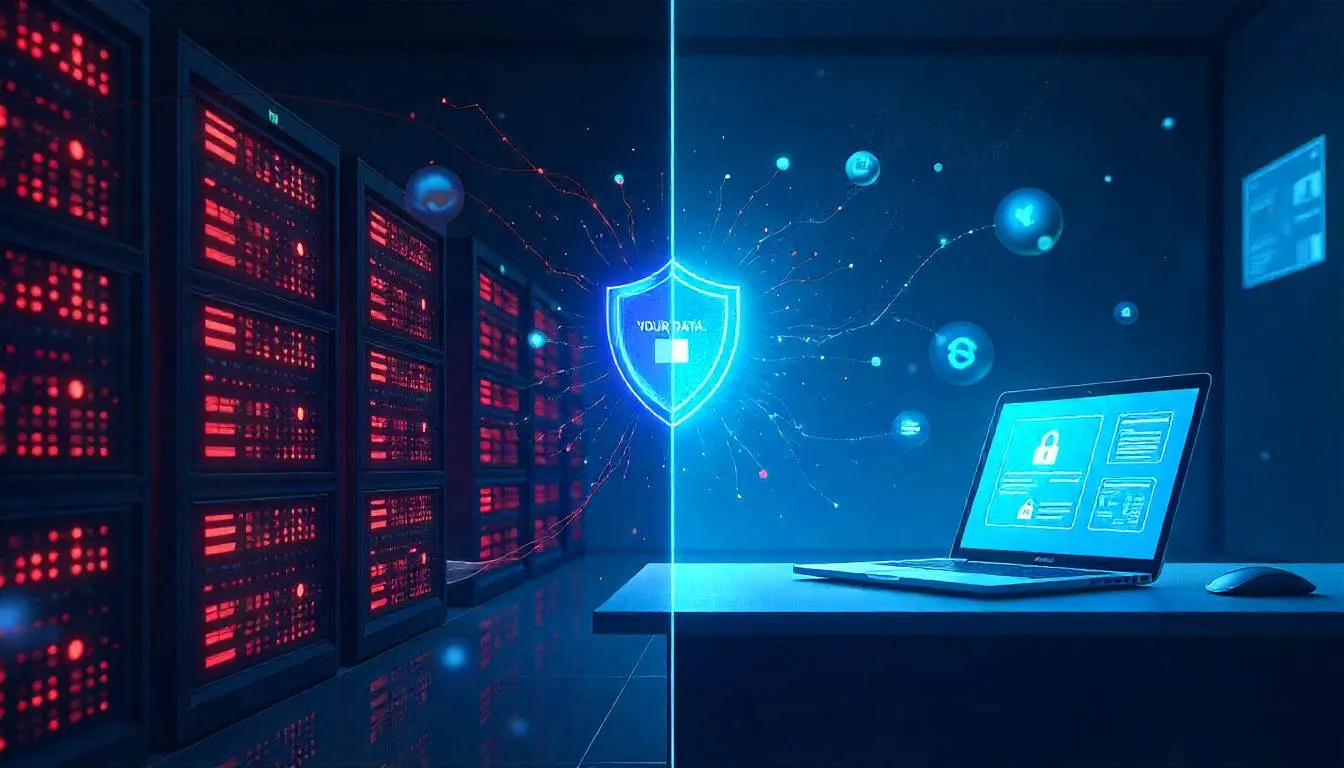
Your AI assistant just sent your company’s financial model to a server in Virginia.
You didn’t approve it.
You didn’t even know it happened.
All you did was ask: “Summarize Q3 projections.”
And your cloud-based AI—trained to be helpful—obliged… by uploading your entire document to an external API.
Sound implausible?
It’s happening right now in thousands of “secure” workplaces.
For years, we’ve treated centralized AI as the gold standard—faster, smarter, more capable.
But in 2026, that assumption is your biggest liability.
The real threat isn’t hackers.
It’s your own AI stack—silently piping sensitive data through third-party data centers with opaque retention policies, foreign ownership, and zero contractual control.
The fix?
Decentralize.
Bring intelligence to the device.
Reclaim ownership of your data.
Welcome to the era of Local LLMs for Business—where privacy isn’t a feature. It’s the foundation.
The Problem: Your “Secure” AI Is Leaking by Design
Let’s be honest:
Most enterprise AI tools today are built on a dangerous trade-off:
Convenience for custody.
You get snappy responses, smart summaries, and “context-aware” features…
…in exchange for letting your data leave your network, your devices, and your legal jurisdiction.
And it’s not just about compliance. It’s about control.
Consider:
- A sales rep pastes a customer contract into an AI chatbot to “redact sensitive terms.” The document is now in a cloud provider’s training pipeline (unless explicitly excluded—and even then, logs remain).
- An engineer uses an AI coding assistant that sends snippets of proprietary code to a remote server to “improve suggestions.”
- HR runs employee sentiment analysis through an external NLP API—uploading confidential feedback.
You didn’t breach policy. Your tool did.
And if you ignore this, the consequences are real:
- Regulatory fines under GDPR, CCPA, or sector-specific rules (HIPAA, FINRA)
- IP leakage to competitors via shared training data
- Loss of client trust when third parties handle their data without consent
Worse, centralized AI creates single points of failure. One subpoena, one breach, one policy change—and your entire intelligence layer is compromised.
The data center isn’t your ally.
It’s your new attack surface.
The Solution: Building a Privacy-First, Decentralized AI Office
The good news? You don’t need to ban AI.
You need to re-localize it.
Thanks to breakthroughs in hardware and model efficiency, on-device AI is no longer science fiction.
Apple Silicon Macs, NVIDIA RTX workstations, and even modern Android devices can run powerful local LLMs for business—with zero data leaving the machine.
Here’s how forward-thinking CTOs and privacy-first founders are making the shift.
1. Start with High-Risk Workflows—Not the Whole Stack
Don’t boil the ocean.
Identify workflows where data sensitivity is highest:
- Legal document review
- Financial modeling
- HR personnel files
- Product roadmap discussions
For these, block cloud AI entirely and deploy local alternatives.
Why it works: 80% of data risk comes from 20% of use cases. Focus there first.
How to apply it:
- Use llama.cpp, Ollama, or LM Studio to run open-weight models (like Mistral 7B, Llama 3, or Phi-3) directly on employee laptops
- For Mac users: leverage Apple Neural Engine-optimized models via MLX or Core ML
- For Windows/Linux NVIDIA shops: use TensorRT-LLM or vLLM for GPU-accelerated inference
Pro tip: A 16GB RAM MacBook Air can run a 7B-parameter model at usable speeds. You don’t need a server farm.
2. Architect for “Decentralized AI” from the Ground Up
Think beyond individual devices.
Design systems where intelligence is distributed but coordinated.
Examples:
- Local AI agents on each team member’s machine process their data
- Only anonymized insights (not raw data) are shared for collaboration
- A central policy engine enforces model updates and security patches—without accessing content
Why it works: You retain data sovereignty while still enabling team intelligence.
Real-world use: A healthcare startup uses local LLMs to analyze patient notes on clinicians’ iPads. Only aggregated, de-identified treatment patterns sync to a secure internal dashboard—never the raw notes.
3. Enforce “Privacy-First AI” via Policy + Tech
Tools alone aren’t enough.
You need guardrails.
- Block external AI APIs at the firewall for sensitive departments (use Zscaler or Cloudflare Gateway rules)
- Deploy endpoint detection that flags uploads to unapproved AI services (e.g., “User pasted >500 chars into ChatGPT”)
- Require signed attestations from vendors: “We do not retain or train on your data”
Action step: Audit all AI tools in your stack. For each, ask:
“Does this require data to leave our control to function?”
If yes, find a local alternative—or disable it.
4. Train Your Team on the “New AI Hygiene”
Your engineers get it.
But your sales team? Finance? Leadership?
They’re the ones pasting confidential data into AI chatbots because “it’s faster.”
Fix this with simple, human rules:
- “If it’s internal, keep it local.”
- “Never paste customer data into a browser-based AI.”
- “When in doubt, assume it’s stored forever.”
Pair this with approved local AI tools pre-installed on company devices—so the secure path is also the easy path.
“We reduced cloud AI usage by 92% in 3 months—not with bans, but by giving people a better, faster local option.”
— CTO, Fintech Scale-up
5. Answer the Hard Questions Head-On
Let’s address what’s really keeping you up at night.
Q: Aren’t local models less capable than cloud AI?
A: For most business tasks—summarization, Q&A, drafting—they’re 90–95% as good. And that gap is closing fast. More importantly: accuracy means nothing if your data is exposed.
Q: What about cost? Running local AI sounds expensive.
A: You’re already paying for powerful laptops and workstations. Local inference uses existing hardware. Meanwhile, cloud AI costs scale with usage—and hidden compliance costs (audits, legal review) add up fast.
Q: How do we update models securely?
A: Use private model hubs (like Hugging Face Enterprise or NVIDIA NIM) to push signed, versioned models to devices over encrypted channels—no public internet exposure.
Q: Does this work for teams, not just individuals?
A: Absolutely. Tools like Continue.dev (for coding) or PrivateGPT (for docs) support team-wide local deployments with shared context—but no data leaves your VPC or device.
The Bigger Picture: Decentralization Is the Only Sustainable Path
Centralized AI promised scale.
But it delivered dependency.
By routing every query through a handful of data centers, we’ve recreated the very monopolies and vulnerabilities we sought to escape with cloud computing.
Decentralized AI flips the script:
- Your data stays yours
- Your models reflect your values
- Your team works faster—without fear
This isn’t just about security.
It’s about sovereignty.
In 2026, the most competitive companies won’t be the ones with the biggest cloud bills.
They’ll be the ones that kept their intelligence close to home.
Your Move: Reclaim Your Data—One Local Model at a Time
You don’t need to flip a switch tomorrow.
But you do need to start.
✅ This week: Install Ollama on your machine. Run a 7B model. Test it on a non-sensitive internal doc. See how fast—and private—it feels.
✅ This month: Identify one department (e.g., legal or finance) for a local AI pilot. Block cloud AI tools. Measure productivity + security gains.
✅ This quarter: Draft a “Privacy-First AI Policy” that mandates on-device processing for all sensitive workflows.
The future of enterprise AI isn’t in a server farm in Oregon.
It’s on the laptop in front of you.
→ Share this with your security team
→ Download our “Local LLM Deployment Checklist for Enterprises” (link in bio)
→ Try it now: Ask yourself—what’s the one document you’d never want in a cloud AI log? That’s your starting point.
Because in the decentralized office,
you control the intelligence.
Not the other way around.