WhatsApp-to-Browser Workflow: Control Your PC with AI in 2026
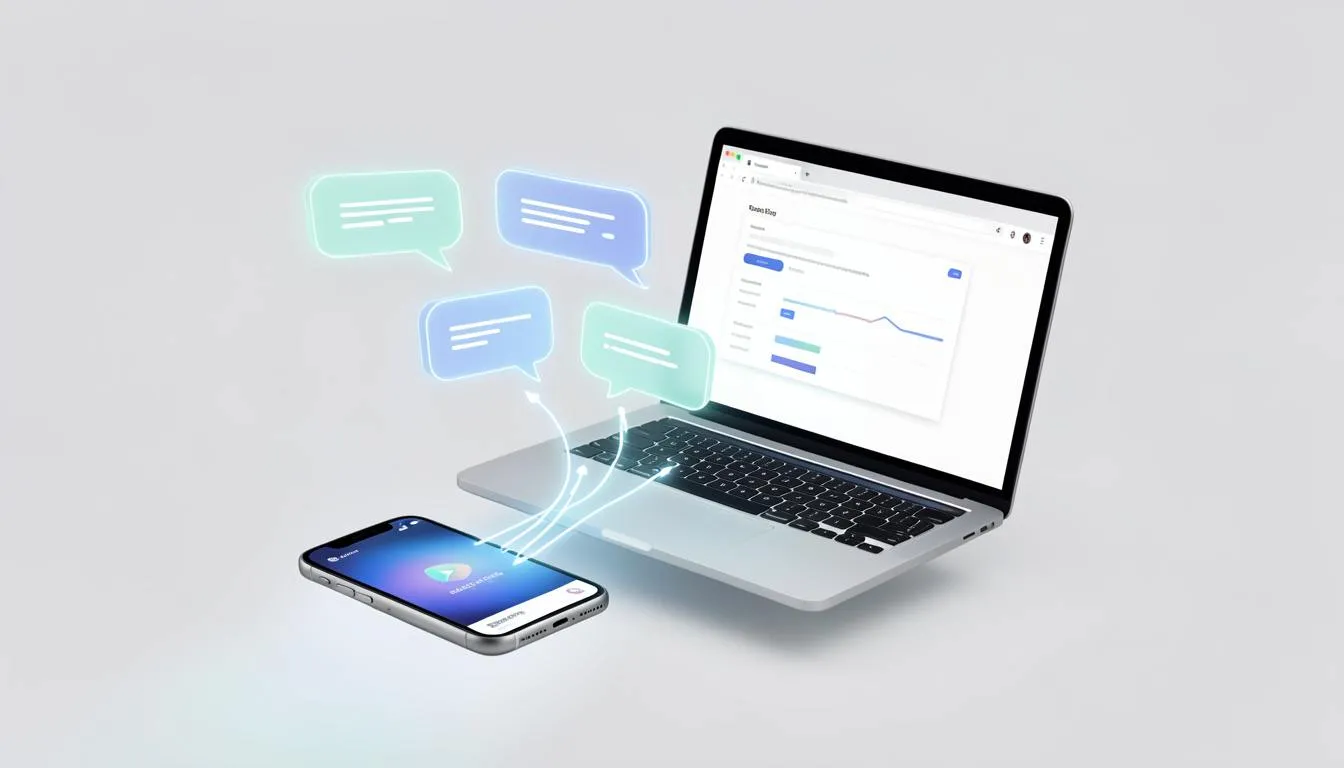
The Rise of the "WhatsApp-to-Browser" Workflow: How to Control Your PC from Your Phone
🔑 Key Takeaways
- Messaging apps are becoming the new command line for work and life
- The WhatsApp-to-browser workflow removes friction between intent and execution
- AI automation now works where you already are, not inside complex dashboards
- Remote workers and digital nomads gain massive leverage with phone-first control
- The future of AI business automation is conversational, mobile, and agent-driven
The Hook: What If Your Phone Was Your Workstation?
Imagine this.
You’re at the gym between sets. One hand on a dumbbell, the other holding your phone. You send a WhatsApp message:
“Find the top 3 trending Reddit posts on AI and order groceries for a high-protein dinner.”
By the time your workout ends:
- The research is done
- Tabs are open on your browser
- Groceries are ordered
- Your evening is planned
No laptop. No apps. No context switching.
This isn’t sci-fi.
This is the WhatsApp-to-browser workflow, and it’s quietly changing how work gets done.
The Problem: Too Many Tools, Too Much Friction
Why Modern Work Feels Harder Than It Should
Remote workers and digital nomads don’t lack tools. They lack flow.
Think about a normal task today:
- Unlock laptop
- Open browser
- Open 5 tabs
- Log into tools
- Re-explain context
Each step adds friction. Each interruption breaks focus.
Automation exists — but it often lives behind dashboards you don’t want to open on a phone.
What Happens If You Ignore This Shift?
If you stick to screen-heavy workflows:
- Small tasks pile up
- Ideas get delayed until “later”
- AI becomes something you visit, not something that works for you
In a world moving toward real-time execution, delay is the real cost.
The Solution: Messaging as the Control Layer
The breakthrough isn’t better apps. It’s better interfaces.
Messaging apps like WhatsApp are:
- Always open
- Always authenticated
- Already habitual
Instead of learning new tools, you talk to AI where you already spend time.
This is the foundation of the WhatsApp-to-browser workflow.
How the WhatsApp-to-Browser Workflow Actually Works
Step 1: Intent Starts as a Message
You don’t “open software.” You state intent.
Examples:
- “Summarize today’s AI news and save links”
- “Generate a proposal and open it in Google Docs”
- “Log into my server and check error logs”
Natural language becomes the trigger.
Step 2: AI Agents Handle the Glue Work
Behind the scenes, agentic systems:
- Interpret your request
- Decide which tools to use
- Open browser sessions
- Execute actions
You don’t micromanage steps. You define outcomes.
This is where modern AI automation platforms shine.
Step 3: Browser Becomes the Execution Engine
Your PC or cloud browser:
- Opens tabs
- Runs scripts
- Completes transactions
You stay on WhatsApp. The work happens elsewhere.
Why This Workflow Is Exploding in 2026
1. Mobile-First Lives Demand Mobile-First Automation
Remote workers aren’t always at desks. They’re in cafés, airports, co-working spaces, gyms.
Phone-first control means:
- Ideas don’t wait
- Tasks happen immediately
- Momentum stays intact
2. Conversational UX Beats Dashboards
Dashboards assume planning. Messaging assumes action.
That difference matters.
Instead of:
“Which tool do I open?”
You ask:
“What do I want done?”
3. AI Is Finally Acting, Not Just Answering
Early AI tools were passive. Now they’re agentic.
They browse, click, log in, and execute.
Platforms like SaaSNext help teams build and deploy these AI agents so automation actually moves work forward — not just produces text.
Learn more about agent-driven automation here:
👉 https://saasnext.in/
A Simple Case: Automation on the Move
A digital nomad running an AI business needed to:
- Track trending topics
- Post insights
- Manage personal errands
Instead of juggling apps, they set up a WhatsApp agent.
Daily routine:
- Morning message: “Scan AI trends and draft a LinkedIn post”
- Afternoon message: “Check inbox and flag urgent replies”
- Evening message: “Order groceries and summarize today’s tasks”
Result?
- Less screen time
- Faster execution
- Zero mental overhead
Same goals. Fewer steps.
How to Start Building This Workflow
Step 1: Identify Repetitive “Micro-Tasks”
Good candidates:
- Research
- Scheduling
- Ordering
- Monitoring dashboards
- Opening tools and files
If you do it weekly, automate it.
Step 2: Choose a Conversational Entry Point
WhatsApp works because:
- It’s universal
- It supports bots
- It’s always available
Other options exist, but WhatsApp leads adoption.
Step 3: Connect AI to Real Actions
This is the hard part — and where most fail.
You need:
- Browser automation
- API connections
- Secure credential handling
This is why many teams use platforms like SaaSNext, which abstract the complexity and let AI agents operate safely across tools and browsers.
Internal + External Learning Resources
-
Internal: SaaSNext guide on AI automation workflows
👉 https://saasnext.in/ -
External: Harvard Business Review on automation and cognitive load
👉 https://hbr.org/2023/01/how-automation-changes-work
Both reinforce the same truth: The best automation reduces thinking — not adds tools.
The Bigger Picture: AI Business Runs on Conversations
The WhatsApp-to-browser workflow isn’t about convenience. It’s about control.
You control:
- When work happens
- How much attention it costs
- Where decisions are made
In 2026, the most powerful interface isn’t a screen. It’s a conversation.
Conclusion: The Phone Is the New Command Center
We’re moving from:
- Apps → Agents
- Dashboards → Dialogues
- Screens → Intent
If you’re remote, nomadic, or automation-curious, this shift isn’t optional.
It’s the new default.
If this idea sparked something:
- Share it with a fellow remote worker
- Experiment with one WhatsApp-based automation this week
- Or explore how AI agents can actually execute work, not just suggest it
Because the future of work isn’t louder. It’s smoother.