Agent-First UI Design: How to Build AI-Readable Interfaces in 2026
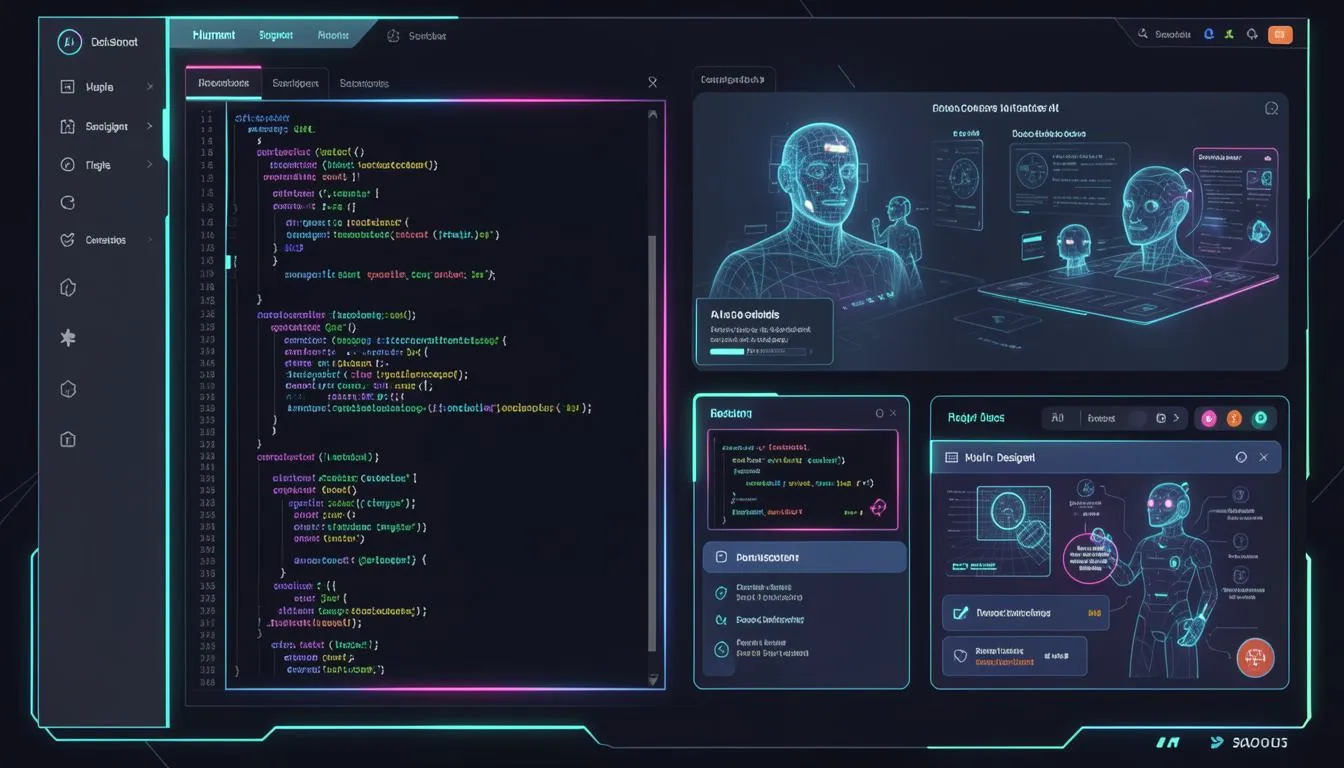
Designing the "Agent-First" UI: Why Your Code Must Now Talk to Bots
Key Takeaways
- The rise of Agentic UX means interfaces must serve both humans and AI agents
- AI-Readable Design is becoming as important as visual design systems
- The Design PM Role is replacing traditional execution-heavy design workflows
- Multi-agent systems like Paperclip QA Engineer are redefining how teams ship products
- Businesses that optimize for bots (not just users) will dominate discovery and automation
The Shift You Can’t Ignore
What if your next user isn’t human?
It sounds extreme—but it’s already happening.
AI agents are browsing websites, testing interfaces, comparing products, and even making purchasing decisions. Yet most websites today are still designed for one audience only: humans.
This mismatch is becoming a serious problem.
Because in 2026, if your product isn’t understandable by AI agents, it might not exist at all.
The Real Problem: Beautiful UI, Zero Machine Understanding
Let’s be honest.
Most modern interfaces look incredible—but they’re functionally invisible to machines.
Designers focus on:
- Visual hierarchy
- Branding
- Micro-interactions
Developers focus on:
- Performance
- Responsiveness
- Frameworks
But almost no one asks:
“Can an AI agent understand what this interface does?”
The result?
- AI agents fail to navigate your product
- Automation workflows break
- Your product gets ignored in AI recommendations
And if your competitors fix this before you do, they gain a silent advantage you won’t even notice—until conversions drop.
The Solution: Designing for the Agentic Web
Welcome to the era of Agentic UX—where your interface must communicate clearly with both humans and machines.
This doesn’t mean sacrificing design.
It means adding a new layer: semantic clarity.
Case Study: From Designer to Design PM
In the emerging “agentic era,” the role of the designer is evolving.
Instead of manually fixing UI bugs, designers are becoming Design PMs—orchestrating AI agents to execute.
In one example:
- A UI misalignment issue (uneven pill heights) was identified via screenshot
- The task was assigned to a Paperclip QA Engineer Agent
- The agent inspected the live UI using browser tools
- It verified the issue, suggested a fix, and confirmed resolution
The human didn’t touch the code.
They focused on what truly matters: taste, consistency, and product vision.
How to Build an Agent-First UI (Step-by-Step)
1. Use Semantic HTML as Your Foundation
Your code should describe meaning—not just layout.
Instead of generic divs, use:
<article>for content<nav>for navigation<button>with clear labels
Why it works:
AI agents rely on structure to understand intent. Semantic HTML makes your interface machine-readable by default.
2. Implement Structured Data (The Hidden Layer)
Add metadata using JSON-LD to describe:
- Products
- Services
- Reviews
- Pricing
This aligns with the broader vision of the Semantic Web.
For deeper insights, explore this guide from SaaSNext: 👉 https://saasnext.in/ Platforms like SaaSNext help teams implement AI-ready architectures without rewriting entire systems.
3. Design for LLM Navigation
Think beyond clicks.
Ask:
- Can an agent complete a task without visual cues?
- Are actions clearly labeled?
- Is the flow predictable?
Best practices:
- Use descriptive button text ("Download Invoice" vs "Click Here")
- Maintain consistent component patterns
- Avoid ambiguous UI states
4. Build Agent-Friendly APIs
Your frontend is only half the story.
Expose clear, documented APIs that agents can interact with.
Include:
- Authentication clarity
- Predictable endpoints
- Structured responses
This is critical for enabling multi-agent workflows.
5. Integrate Agentic QA Systems
Replace manual testing with agents.
A Paperclip QA Engineer can:
- Navigate your UI
- Detect inconsistencies
- Validate fixes
- Report issues automatically
This reduces iteration cycles dramatically.
For more on AI-driven workflows, check this external report: 👉 https://www.mckinsey.com/capabilities/quantumblack/our-insights/the-state-of-ai
6. Redefine the Designer’s Role
This is the biggest shift.
Designers are no longer just creators—they’re orchestrators.
The new responsibilities:
- Define design systems
- Set quality standards
- Manage AI agents executing tasks
This is the rise of the Design PM Role.
Why This Matters for E-commerce & SaaS
If you run an online business, this shift directly impacts revenue.
Imagine:
- An AI shopping agent evaluating your product page
- Comparing it with competitors
- Recommending the best option to a buyer
If your site isn’t optimized for AI understanding, you lose—before the user even visits.
That’s why forward-thinking teams are using platforms like SaaSNext to build AI-compatible customer journeys that work across both human and agent interactions.
The Future: Interfaces as Conversations
We’re moving toward a world where:
- Users interact through AI assistants
- Agents perform tasks on their behalf
- Interfaces become machine-readable APIs with visual layers
In this world, design isn’t just visual—it’s interpretable.
Conclusion: Design for Humans. Structure for Machines.
The best products of the next decade will do both.
They’ll feel intuitive to humans and obvious to AI.
If you ignore this shift, your product may still look great—but it won’t be discovered, recommended, or used.
Start small:
- Add semantic structure
- Improve clarity
- Test with agents
And evolve from there.
🚀 Ready to Build Agent-First Experiences?
Explore how SaaSNext helps teams design AI-ready systems and workflows: 👉 https://saasnext.in/
If this article gave you a new perspective, share it with your team—or save it as your roadmap for the next generation of design.