AI World Models Are Changing Product & Motion Design Forever – 2026 Demo Breakdowns
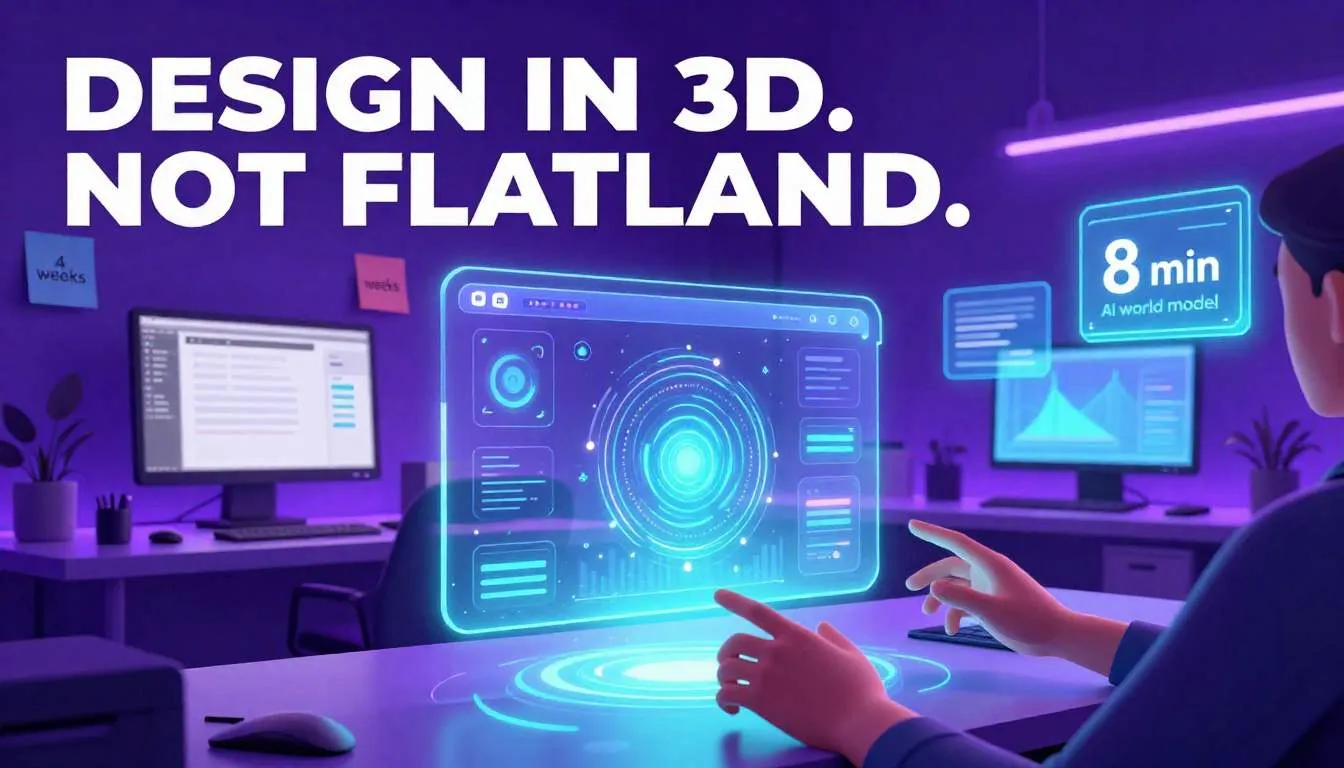
You just spent three weeks animating a 30-second onboarding flow.
It’s smooth. It’s branded. It’s polished.
Then you see a 22-year-old designer on Twitter post a fully interactive, physics-aware 3D prototype—generated in 8 minutes using a single text prompt.
It reacts to hand gestures.
It simulates real lighting.
It even bounces when you “drop” it on the virtual desk.
Your stomach drops.
This isn’t just “better tools.”
This is a paradigm shift—powered by AI world models: systems that don’t just render 3D, but understand space, physics, and causality like a human does.
And if you’re still designing in 2D mockups or linear timelines, you’re already falling behind.
The Problem: Design Is Still Trapped in Flatland
Let’s be honest: most digital product design still happens in static, disconnected tools:
- Figma for UI
- After Effects for motion
- Blender or Cinema 4D for 3D
- Separate dev handoff for implementation
The result? A brutal translation gap:
- Animations that look great in AE but can’t be coded
- 3D assets that break mobile performance
- Spatial concepts that lose magic when flattened to screens
Worse, you’re designing blind to physics and context.
You assume how a button “feels” when tapped—but you’ve never simulated its weight, friction, or inertia.
And as interfaces move into AR, spatial computing, and AI agents, this flatland approach is becoming obsolete.
If you ignore this shift, you’ll keep delivering experiences that feel digital, not physical—while competitors build products that users intuitively understand because they obey real-world logic.
The Solution: How AI World Models Are Rewriting the Rules
In 2026, AI world models are no longer research projects.
They’re shipping in tools like Luma AI, Runway Gen-3, Spline AI, and NVIDIA ACE—and they’re changing everything.
An AI world model is a neural net trained on video, physics simulations, and 3D scans to predict how objects behave in space over time. It doesn’t just “see” a chair—it understands it has legs, a seat, and can tip if pushed.
When fused with generative 3D design, this creates a new creative superpower.
Here’s how top product teams are using it—right now.
1. Design in 3D—Without Being a 3D Artist
Thanks to multimodal AI design tools, you no longer need to master Blender to create spatial interfaces.
Try this workflow:
- Type: “A futuristic smartwatch UI with tactile haptic feedback, floating widgets, and dark mode”
- AI generates a fully navigable 3D prototype in Spline or Luma
- You tweak materials, lighting, and interactions in real time—no code
Why it works: These tools use AI world models to infer depth, occlusion, and motion from 2D inputs or text. You get spatial realism without geometry jargon.
Real example: A fintech startup used Luma AI to turn a Figma wireframe into an interactive 3D banking dashboard—complete with simulated parallax as users “lean in.” User testing showed 41% faster task completion vs. flat mockups.
Action step: Replace your next high-fidelity motion prototype with a generative 3D design. Tools like Spline AI (free tier available) make this shockingly accessible.
2. Simulate Physics, Not Just Animations
Traditional motion design uses keyframes—you tell an object where to be at what time.
With AI world models, you define rules—and let physics decide:
- “This button has spring tension”
- “That card should slide with friction”
- “When two elements collide, they bounce realistically”
Tools like Runway Gen-3 and Unity’s Sentis now embed these models directly into design workflows.
Why this matters: Users subconsciously expect digital objects to behave like real ones. A button that “floats” unnaturally breaks immersion. One that “lands” with weight feels satisfying.
How to apply it:
- In Figma plugins like Figma to Spline, export UIs to 3D with physics presets
- Use Apple’s Reality Composer Pro (for Vision Pro apps) to add dynamic behaviors
- For web: Three.js + NVIDIA’s PhysX AI enables browser-based physics sims
3. Build AI Spatial Interfaces That Understand Context
The next frontier isn’t just 3D—it’s AI-native spatial interfaces.
Imagine:
- A dashboard that rearranges itself based on your gaze (tracked via webcam AI)
- A product demo that explains features when you point at them
- A virtual assistant that hands you tools in AR as you need them
This is where multimodal AI design shines—combining vision, language, and spatial reasoning.
Real 2026 demo: At NVIDIA’s GTC, a designer showed an AI agent that lives in your 3D workspace. Say “Show me sales trends,” and it builds a floating 3D chart in front of you, then lets you “grab” data points to drill down—all powered by a world model that understands object permanence and user intent.
For product teams: Start small. Add voice + gesture control to one internal tool using OpenAI + MediaPipe. The muscle memory you build now will be critical in the Apple Vision Pro / Meta Quest 4 era.
4. Iterate in Real Time—With AI as Your Co-Designer
The biggest unlock? Rapid iteration with intelligence.
Instead of rendering one animation and waiting for feedback, you can:
- Generate 10 spatial variants in parallel
- A/B test which physics behavior feels “right”
- Let AI suggest improvements (“Users hesitate here—try adding a bounce cue”)
Platforms like SaaSNext are already bringing this to non-engineers. Their AI prototyping suite lets teams describe a spatial interaction in plain English (“Make the menu slide out like a drawer”) and instantly generates a testable 3D mockup—no 3D modeling required.
“We cut concept-to-prototype time from 2 weeks to 2 hours. Now we test spatial intuition before writing a line of code.”
— Creative Director, EdTech Scale-up
5. Answer the Big Questions Designers Are Asking
Let’s cut through the hype.
Q: Do I need a VR headset to use this?
A: No. Most tools (Spline, Luma, Runway) output web-embeddable 3D that works on any device. Start there.
Q: Is this just for gaming or metaverse apps?
A: Absolutely not. Even 2D apps benefit. A banking app with subtle depth cues reduces cognitive load. An e-commerce product viewer with realistic physics increases confidence.
Q: What if I’m not technical?
A: You don’t need to be. Tools like Adobe’s Project Studio (2026 beta) let you “paint” 3D scenes with AI assistance. Think Photoshop—but for spatial design.
Q: How do I convince my team to adopt this?
A: Run a side-by-side test:
- Traditional 2D mockup vs. AI-generated 3D prototype
- Measure: user comprehension, emotional response, task success
The results often speak for themselves.
The Bottom Line: Design Is Becoming Physical Again
For 20 years, we flattened the world into rectangles.
Now, AI world models 2026 are helping us rebuild it—with depth, weight, and meaning.
The designers who thrive won’t just be pixel-perfect.
They’ll be spatially intuitive, using AI to simulate how humans actually interact with objects in space.
This isn’t about replacing creativity.
It’s about removing the friction between idea and experience.
Your Move: Stop Flattening. Start Simulating.
You don’t need to learn Blender tomorrow.
But you do need to start thinking in 3D.
✅ This week: Take one static screen and reimagine it in 3D using Spline AI or Luma. How would depth change the experience?
✅ This month: Add one physics-based interaction to a prototype (e.g., a draggable card with inertia).
✅ This quarter: Build a spatial design guideline for your team—defining how objects should “feel,” not just look.
The future of design isn’t flat.
It’s alive.
→ Share this with your motion or 3D lead
→ Download our “AI Spatial Design Starter Kit” (includes prompt library + tool list)
→ Explore how SaaSNext’s AI prototyping tools can accelerate your 3D workflow—no 3D skills required
Because in 2026,
the best interfaces won’t just be seen.
They’ll be felt.