Generative AI in Product Prototyping and Innovation: From Months to Minutes
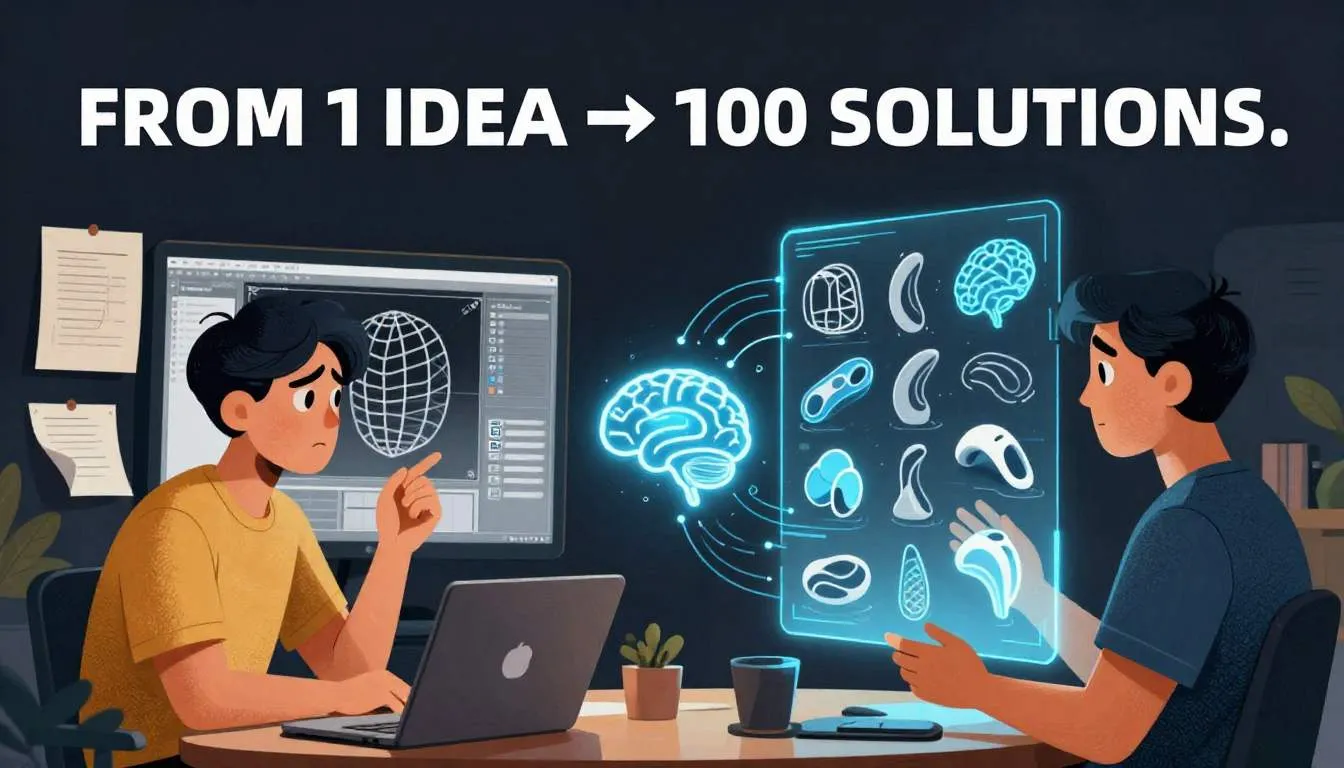
You’ve been here before.
You spend six weeks sketching, modeling, and refining a new ergonomic handle for a surgical tool.
You 3D-print a prototype.
You hand it to a surgeon for feedback.
She tries it once… and says: “It’s good—but my thumb hits the ridge when I rotate it.”
Back to square one.
Another month. Another $12K in labor and materials.
All because you couldn’t feel the ergonomics until it was too late.
What if you could test 50 versions in a day—not six weeks?
What if your first physical prototype was already version 12?
That’s not fantasy.
It’s generative AI in product prototyping—and it’s reshaping how the world’s most innovative teams build products in 2026.
The Problem: Traditional Prototyping Is Slow, Costly, and Blind
Let’s be honest: the classic design-build-test loop is broken.
You’re trapped in a cycle where:
- Iteration is expensive (CAD hours, material waste, machine time)
- Feedback comes too late (after physical prototypes exist)
- Human bias limits exploration (“We’ve always done it this way”)
The result? You optimize for feasibility, not brilliance.
You settle for “good enough” because time and budget run out.
And the cost of that compromise is real:
- Missed market windows (competitors launch first)
- Higher failure rates in user testing
- Innovation fatigue (“Why bother if we can’t explore properly?”)
If you keep relying on linear workflows, you’ll keep delivering incremental—not revolutionary—products.
But there’s a better way.
The Solution: How Generative AI Supercharges Industrial Design
Generative design isn’t just rendering pretty shapes.
It’s AI-driven exploration at scale—where you define goals and constraints, and let algorithms propose thousands of optimized solutions you’d never imagine.
Paired with AI prototyping tools, this creates a new paradigm: rapid iteration with intelligence.
Here’s how leading product teams are making it real.
1. Start with Constraints, Not Concepts
Forget “sketch first.”
In generative design, you begin by defining what success looks like:
- Performance goals: “Withstand 200N of force”
- Material limits: “Use only recycled ABS”
- Ergonomic rules: “Fit 5th–95th percentile hand sizes”
- Manufacturing constraints: “No undercuts for injection molding”
Feed these into tools like nTopology, Autodesk Fusion 360 (Generative Design), or Ansys Discovery, and AI generates hundreds of topology-optimized forms that meet all criteria.
Why it works: Humans think in familiar shapes (tubes, boxes, curves). AI thinks in function. It might propose a lattice structure that’s 40% lighter yet stronger—something no designer would draft by hand.
Real example: A drone company used generative design to create a motor mount that reduced weight by 31% and improved heat dissipation—leading to 12% longer flight time.
2. Simulate Before You Build—In Real Time
The magic of modern AI prototyping isn’t just generation—it’s instant validation.
New tools integrate physics simulation directly into the design loop:
- Apply virtual loads and see stress distribution
- Test airflow over a concept in seconds
- Simulate thermal behavior under real-world conditions
No more “build to test.” You test to build.
How to apply it:
- Use NVIDIA Omniverse + PhysX for real-time physics
- Try SimScale or COMSOL for cloud-based, AI-accelerated simulation
- Embed simulation feedback into your CAD workflow—so every change is validated instantly
“We cut physical prototypes by 70% because our first 3D print was already performance-validated in sim.”
— Lead Engineer, Consumer Electronics Startup
3. Co-Create with AI: From Solo Designer to Intelligent Duo
You’re not replaced by AI.
You’re augmented.
Imagine:
- You describe a need: “A bike lock that’s theft-resistant but weighs under 300g”
- AI generates 20 concept thumbnails in 60 seconds
- You pick one, say “Make it easier to carry,” and AI refines the form with integrated strap slots
- You export a print-ready file in minutes
This is rapid iteration at human speed—with machine intelligence.
Tools to try:
- Adobe Firefly 3D (text-to-3D concept modeling)
- Luma AI (scan real objects, then AI-modify them)
- Kaedim (2D sketch → textured 3D model in seconds)
For engineers: Use MATLAB’s AI-powered design explorer to auto-tune parametric models based on performance targets.
4. Bridge the Gap from Digital to Physical—Faster
Generative design only matters if you can manufacture it.
The best 2026 workflows close the loop:
- Generate in AI
- Validate in simulation
- Export DFM-optimized files (with toolpath suggestions for CNC or print orientation for AM)
- Produce via in-house 3D printing or on-demand manufacturing (like Hubs or Xometry)
Pro tip: Use AI-driven DFM checkers (like Addiguru or 3D Spark) to auto-flag manufacturability issues before you send to production.
This turns your design cycle from weeks → hours.
5. Answer the Real Questions Product Teams Ask
Let’s cut through the hype.
Q: Do I need to be a coder to use generative design?
A: No. Tools like Fusion 360 and nTopology now have intuitive GUIs. You define goals with sliders and checkboxes—not Python scripts.
Q: What if the AI proposes something unbuildable?
A: That’s why constraints matter. Lock in manufacturing rules upfront, and the AI won’t suggest impossible geometries. Garbage in = garbage out still applies.
Q: Is this just for high-end industries?
A: Absolutely not. A furniture designer used generative AI to optimize leg joints for flat-pack shipping—reducing damage in transit by 44%. It scales to any product.
Q: How do I convince leadership to invest?
A: Run a pilot. Pick one small component. Compare:
- Traditional dev time vs. AI-accelerated
- Material savings
- Performance gains
The ROI often speaks for itself in one project.
The Bigger Picture: Innovation Isn’t About Talent—It’s About Time
The most brilliant designers and engineers aren’t limited by skill.
They’re limited by how many ideas they can explore.
Generative AI removes that bottleneck.
It gives you time to experiment, courage to explore, and confidence to ship.
In 2026, the companies winning aren’t the ones with the best CAD jockeys.
They’re the ones that let AI handle iteration—so humans can focus on vision.
Your Move: Stop Building. Start Exploring.
You don’t need to overhaul your entire pipeline today.
But you do need to start.
✅ This week: Take one product component and run it through a free generative design trial (Fusion 360 offers 30-day access).
✅ This month: Replace one “gut-feel” design decision with an AI-generated alternative. Test both.
✅ This quarter: Integrate real-time simulation into your concept phase—so every idea is born validated.
The future of industrial design isn’t about drawing better lines.
It’s about asking better questions—and letting AI show you answers you never knew existed.
→ Share this with your design lead
→ Download our “Generative Design Starter Kit for Product Teams” (link in bio)
→ Try this now: Describe your next product challenge out loud. Could AI generate 10 solutions in 2 minutes? Find out.
Because in 2026,
innovation belongs to the curious—
not just the skilled.