Google Stitch vs Microsoft Designer: Why AI Design Lacks Taste
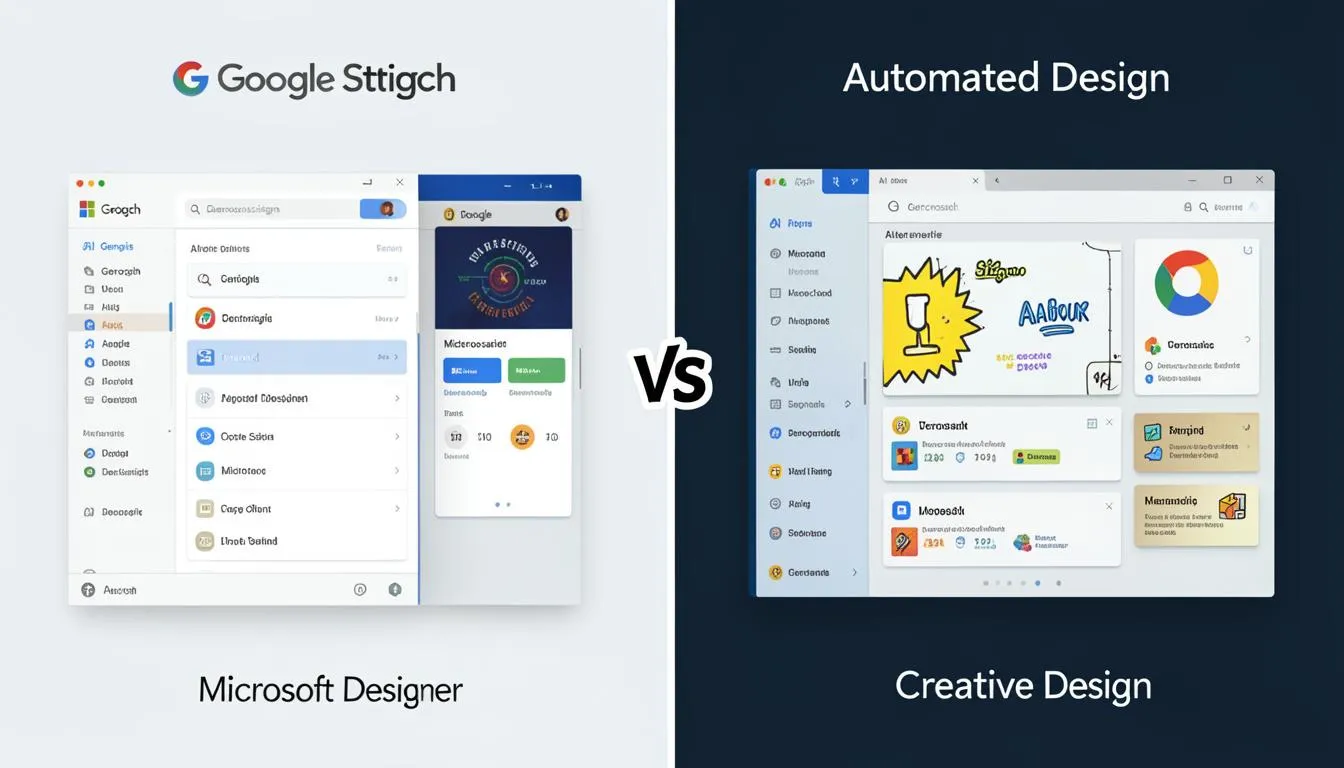
Google Stitch vs. Microsoft Designer: Why Big Tech Keeps Failing at “Automated Taste”
Key Takeaways
- Tools like Google Stitch and Microsoft Designer accelerate UI creation—but often produce generic, system-driven designs.
- Automated design systems rely heavily on existing UI kits, limiting originality and emotional impact.
- The real gap isn’t technology—it’s the absence of human taste and creative judgment.
- Designers who combine AI speed with distinct visual direction will outperform purely automated workflows.
- Businesses must treat AI as a co-pilot, not a replacement for creative thinking.
If AI Can Design… Why Does Everything Look the Same?
You open a newly launched app.
It’s clean. Functional. Polished.
But five seconds later, you forget it.
That’s the uncomfortable truth of modern design automation.
Despite tools like :contentReference[oaicite:0]{index=0} and :contentReference[oaicite:1]{index=1} promising to revolutionize UI creation, we’re seeing a flood of interfaces that look… identical.
For UI/UX designers, developers, and e-commerce founders, this creates a paradox:
Design has never been easier.
And yet, standing out has never been harder.
The Problem: Automation Without Taste
Let’s be clear—design automation isn’t the problem.
The problem is automated taste.
Tools like :contentReference[oaicite:2]{index=2}, Stitch, and Microsoft Designer are built on:
- pre-trained design patterns
- popular UI kits
- standardized component systems
They excel at:
- layout generation
- consistency
- speed
But they struggle with:
- originality
- emotional resonance
- brand storytelling
The result?
A wave of mediocre design at scale.
For businesses, this leads to:
- weak differentiation
- lower user engagement
- forgettable user experiences
If you rely entirely on automation, you’re not designing—you’re assembling.
Case Study: The “Systemic” Clone Problem
Designer :contentReference[oaicite:3]{index=3} highlights a key flaw in tools like Google Stitch.
When given a simple prompt, Stitch often produces:
- layouts based on Material Design
- predictable spacing and typography
- safe, neutral color schemes
In other words, it creates a systemic clone.
It’s technically correct—but creatively hollow.
Malewicz argues that without a designer’s “eye for taste,” these tools simply accelerate the production of boring work.
And he’s right.
Because design isn’t just about structure.
It’s about choice.
Why Big Tech Struggles With “Taste”
You might wonder:
If these companies are so advanced, why can’t they solve this?
The answer lies in how AI works.
AI models learn from:
- existing datasets
- popular design trends
- widely accepted patterns
This creates a bias toward:
- what’s already proven
- what’s widely used
- what’s “safe”
But great design often comes from:
- breaking patterns
- challenging norms
- introducing unexpected elements
That’s something AI struggles with—because it requires creative risk.
The Solution: Designing Beyond Automation
So how do you use tools like Google Stitch or Microsoft Designer without falling into the “So-So” trap?
Here’s a practical approach.
1. Use AI for Structure, Not Style
Let AI handle:
- layout generation
- spacing systems
- component organization
But take control of:
- visual identity
- typography choices
- color systems
This ensures your design is efficient but unique.
2. Build Your Own Design Language
Instead of relying on default UI kits:
- create custom components
- define unique interaction patterns
- establish a distinct visual tone
Platforms like SaaSNext help teams integrate AI into workflows while maintaining strong brand consistency across products.
3. Layer Human Taste on Top
Ask yourself:
- Does this design feel memorable?
- Would users recognize this brand instantly?
- Does it evoke emotion?
If not, refine it.
Because taste is your competitive advantage.
4. Combine AI With System Thinking
AI works best within structured systems.
Use it to:
- generate variations
- test design hypotheses
- scale design systems
Then refine outputs with human judgment.
For a deeper look at AI-driven workflows, explore this guide:
https://saasnext.in/
Tools like SaaSNext enable teams to balance automation with strategic thinking—ensuring efficiency doesn’t compromise creativity.
5. Focus on Experience, Not Just Interface
Automated tools focus heavily on screens.
But users experience:
- flows
- interactions
- emotional journeys
Great design connects these elements into a cohesive story.
That’s something AI alone can’t fully achieve.
Why This Matters for Designers, Developers, and E-Commerce Teams
The rise of design automation changes how products are built.
For UI/UX designers:
- your role shifts from execution to creative direction
For developers:
- you’ll implement AI-generated layouts—but must refine them for performance and uniqueness
For e-commerce teams:
- brand differentiation directly impacts conversion rates
In crowded markets, average design isn’t neutral—it’s invisible.
The Future: AI as a Tool, Not a Taste Maker
AI will continue to improve.
Design tools will get faster and more powerful.
But one thing remains clear:
AI can replicate patterns.
It cannot define taste.
The designers who succeed will be those who:
- use AI for speed
- apply human judgment for quality
- create experiences that stand out
Conclusion: Don’t Outsource Your Taste
The biggest mistake you can make in 2026 is assuming AI can replace creativity.
It can’t.
Tools like Google Stitch and Microsoft Designer are powerful—but they’re only as good as the direction you give them.
If you rely on them blindly, you’ll produce work that’s efficient… but forgettable.
If you combine them with strong design thinking, you’ll create experiences that truly stand out.
Platforms like SaaSNext are helping teams strike this balance—leveraging AI for speed while preserving the human creativity that drives real impact.
If this article made you rethink design automation, share it with your team or subscribe for more insights on AI, design, and digital innovation.