Killing AI Slop: How Front-End Design Skill Creates Boutique UI
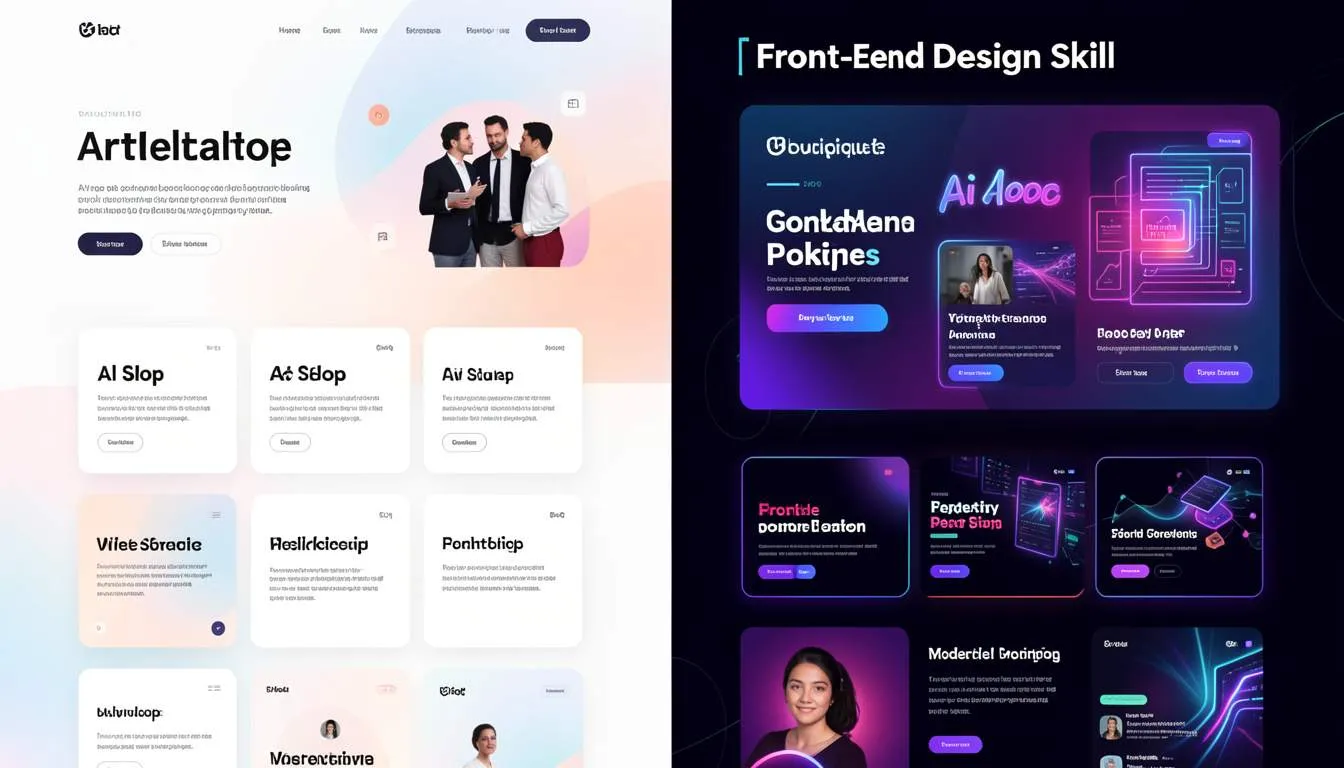
Killing “AI Slop”: How Front-End Design Skill Is Bringing Boutique UI Back
Key Takeaways
- The rise of AI-generated design has created a wave of generic interfaces often called “AI slop.”
- Designers are now using front-end design skill frameworks to create more distinctive, boutique UI experiences.
- Tools like :contentReference[oaicite:0]{index=0} are helping designers generate structured UI concepts rather than cookie-cutter layouts.
- Avoiding common AI tropes—such as overused fonts, predictable gradients, and identical layouts—is key to standing out.
- Bespoke UI generation combines AI assistance with human design thinking to produce more memorable digital products.
- Case Study: The Anti-Inter Movement demonstrates how banning overused fonts like Inter and Arial leads to visually distinctive interfaces.
Why Does Every AI-Generated Website Look the Same?
Take a quick scroll through newly launched startups or AI-generated landing pages.
You’ll likely see the same patterns repeated everywhere:
- The Inter font
- Soft pastel gradients
- Rounded cards
- Identical hero layouts
At first glance, these designs look modern. But after seeing hundreds of them, something strange happens.
They start to feel interchangeable.
For designers, developers, and e-commerce founders trying to build memorable digital products, this has become a serious challenge.
AI tools can generate websites faster than ever—but too often they produce safe, predictable interfaces.
This phenomenon has a name in design circles:
AI Slop.
And many designers are now pushing back.
The Problem: AI Design Is Becoming Generic
Generative design tools have made it incredibly easy to produce UI layouts in seconds.
But the convenience comes with a downside.
Most AI-generated interfaces rely on the same training patterns, which leads to repetitive design elements:
- identical font pairings
- predictable color palettes
- familiar hero layouts
- overly smooth gradients
For product teams, this creates several problems:
- Brand identity becomes weak
- Websites fail to stand out visually
- User engagement declines
For e-commerce owners, generic UI can even impact conversion rates.
When every product page looks the same, customers struggle to emotionally connect with a brand.
Ignoring this problem risks turning your digital product into just another AI-generated template.
The Solution: Using Front-End Design Skill to Create Boutique UI
The next wave of AI design isn’t about removing designers.
It’s about amplifying design thinking through structured prompts and frameworks.
One of the most effective approaches emerging in 2026 is the Front-End Design Skill methodology.
Instead of letting AI freely generate layouts, designers guide AI with constraints such as:
- typography rules
- layout philosophy
- visual storytelling elements
This transforms AI from a template generator into a design collaborator.
1. Start with a Clear Design Philosophy
Great interfaces begin with intentional design choices.
Before generating UI concepts with AI, define:
- the emotional tone of the product
- the brand personality
- the visual hierarchy
For example, a fintech product may prioritize:
- trust and clarity
- structured typography
- minimalist motion
While a lifestyle e-commerce brand may emphasize:
- bold typography
- playful micro-interactions
- expressive color palettes
Tools like :contentReference[oaicite:1]{index=1} are increasingly used by designers to generate structured design briefs before creating UI components.
Designers exploring AI-assisted workflows often combine these methods with broader automation frameworks like those discussed on the SaaSNext blog:
This approach ensures AI outputs align with strategic design thinking rather than default templates.
2. Avoid the Most Common AI Design Tropes
If your goal is distinctive UI, certain patterns should be approached carefully.
The most overused AI design elements include:
- Inter or Arial as default fonts
- symmetrical card layouts
- pastel gradient backgrounds
- generic icon sets
These choices aren’t inherently bad.
The problem is overuse.
Boutique UI often comes from subtle variations.
For example:
- pairing serif headlines with modern sans-serif body text
- using asymmetrical layouts
- introducing custom illustrations
Small design decisions can dramatically change the personality of a product interface.
Platforms like :contentReference[oaicite:2]{index=2} are helping digital teams integrate AI-driven design workflows while maintaining brand identity across marketing and product experiences.
You can explore their ecosystem here:
3. Use AI for Exploration, Not Final Design
AI is incredibly powerful for rapid experimentation.
Instead of replacing design work, it should be used to generate multiple creative directions.
A typical workflow might look like this:
- Generate several layout concepts with AI
- Select the most promising visual direction
- Refine typography, spacing, and hierarchy manually
- Implement micro-interactions with front-end code
This hybrid approach combines AI speed with human taste.
For front-end developers, it also creates opportunities to craft more expressive interfaces using CSS animations, motion libraries, and modern frameworks.
Case Study: The Anti-Inter Movement
Designer :contentReference[oaicite:3]{index=3} recently highlighted an interesting design trend known as the Anti-Inter Movement.
The idea is simple.
Many AI-generated websites default to the Inter font because it’s safe and readable.
But when every interface uses the same typography, visual identity disappears.
Griffin’s Front-End Design Skill framework explicitly bans overused fonts like:
- Inter
- Arial
- system defaults
Instead, designers experiment with distinctive font pairings.
A typical before-and-after comparison reveals dramatic differences:
Before:
- Inter font
- standard hero layout
- gradient background
After:
- bold serif headline
- asymmetric layout
- distinctive color palette
The second design instantly feels more intentional and memorable.
Why This Matters for E-Commerce and SaaS Products
For digital businesses, design is more than aesthetics.
It influences how users perceive:
- credibility
- product quality
- brand personality
Research from :contentReference[oaicite:4]{index=4} consistently shows that distinctive design increases user engagement and brand recall.
In a world flooded with AI-generated interfaces, memorable UI becomes a competitive advantage.
Companies that combine AI automation with thoughtful design workflows—often supported by platforms like SaaSNext—can move faster without sacrificing brand identity.
The Future of AI-Assisted Design
AI will undoubtedly become a core part of design workflows.
But the goal shouldn’t be to generate more templates.
The real opportunity is bespoke UI generation—interfaces that feel tailored, expressive, and uniquely aligned with a brand.
Designers who master this balance between AI and human creativity will define the next era of digital product design.
AI slop happens when technology replaces design thinking.
But when AI is guided by front-end design skill, it becomes a powerful creative partner.
The future of UI isn’t about removing designers.
It’s about giving them tools that accelerate exploration while preserving originality.
If your team is exploring AI-powered product design or automation workflows, platforms like SaaSNext are helping organizations integrate AI agents across marketing, design, and development.
And if this article sparked ideas, consider sharing it with your design or development team.
Because the most successful digital products won’t just be generated by AI.
They’ll be crafted with intention.